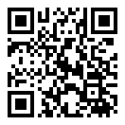
Red Star in your pocket News, results, competitors and training times in one place. A notification arrives with every new story.
Android 7.0 and newer · iPhone with iOS 15 and newer
Free No charges, no purchases
No account It opens and works
Notifications News the moment it's out
Two languages Serbian and English
What our app looks like Swipe, or use the arrows.
6 / 6 Competition calendar Domestic and international competitions, month by month.
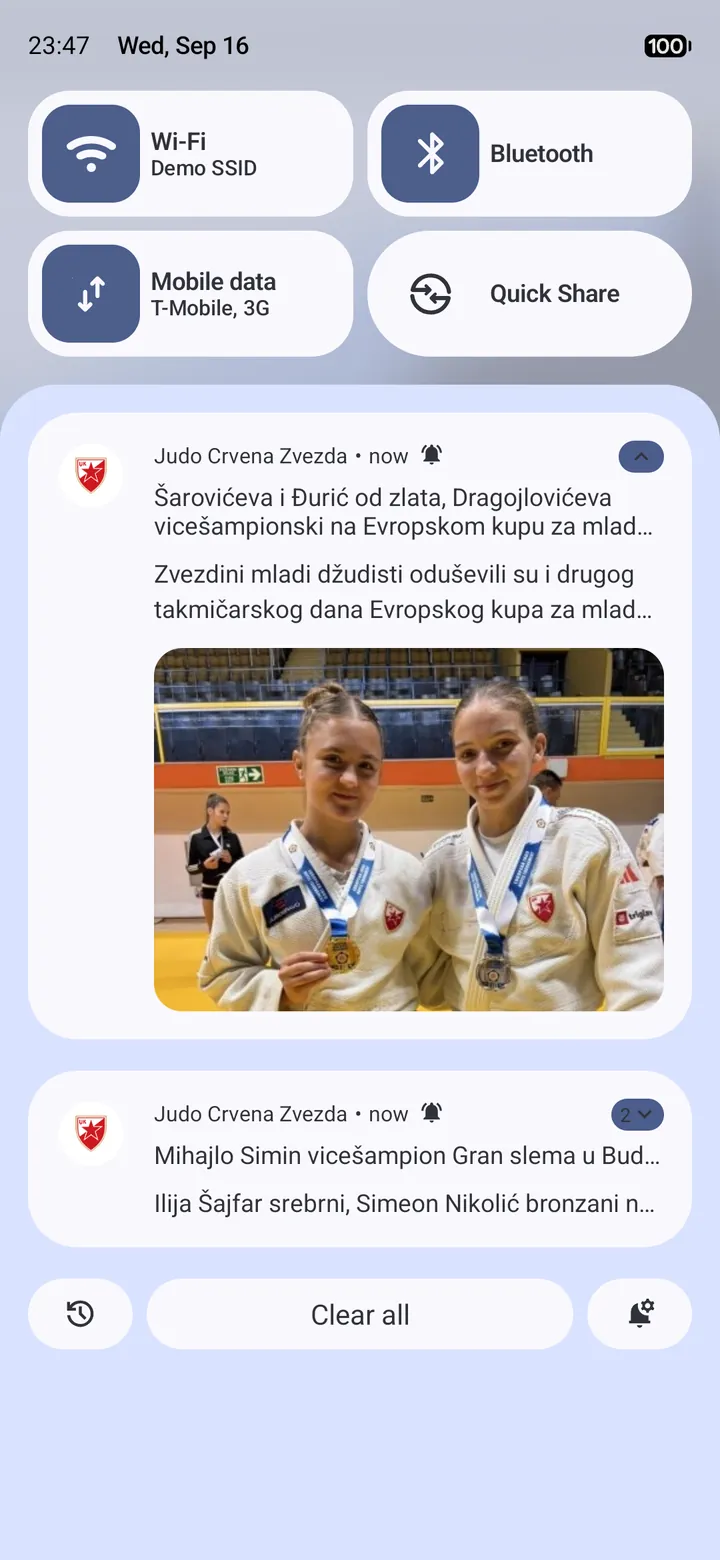
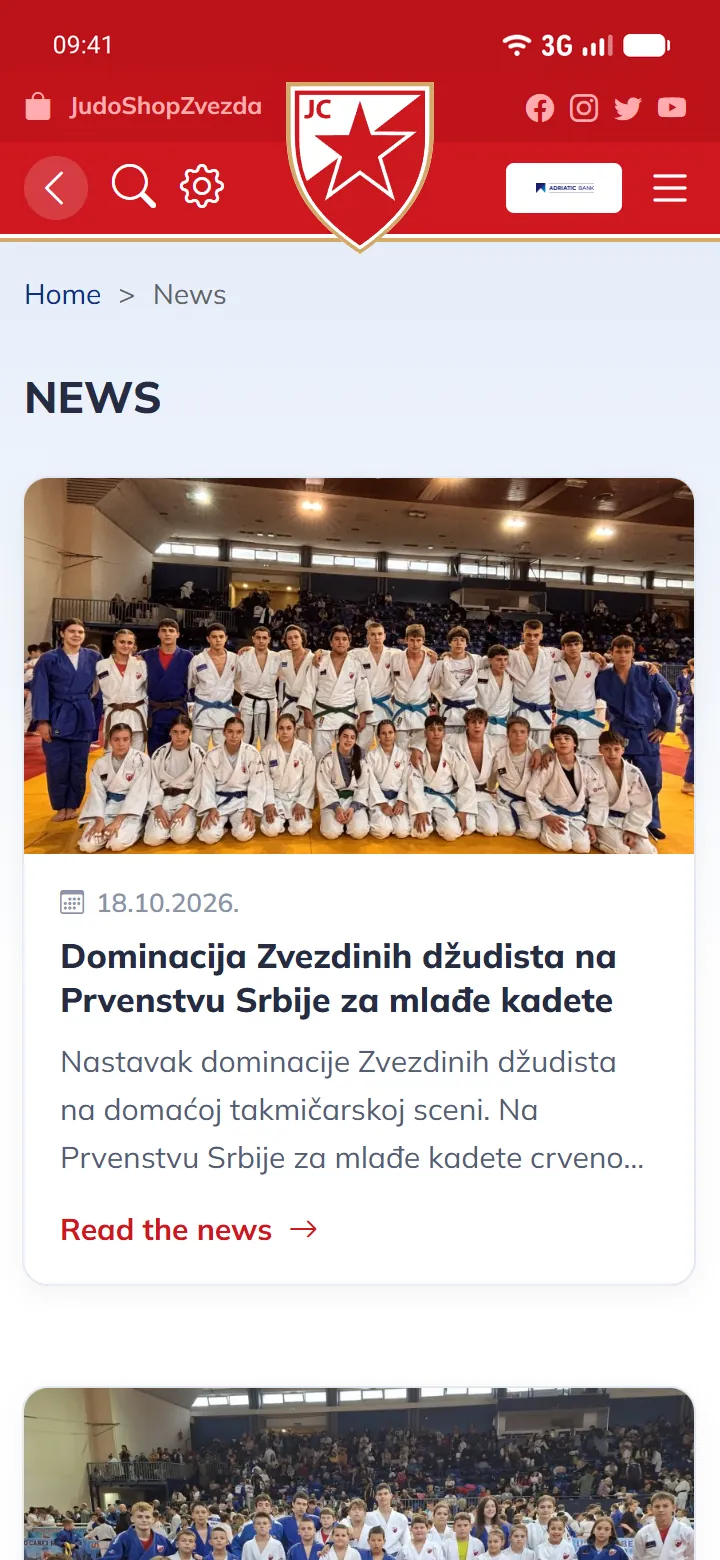
1 / 6 A notification the moment news is out A new story arrives as a notification on your phone, and one tap opens it — you are always among the first to read it.
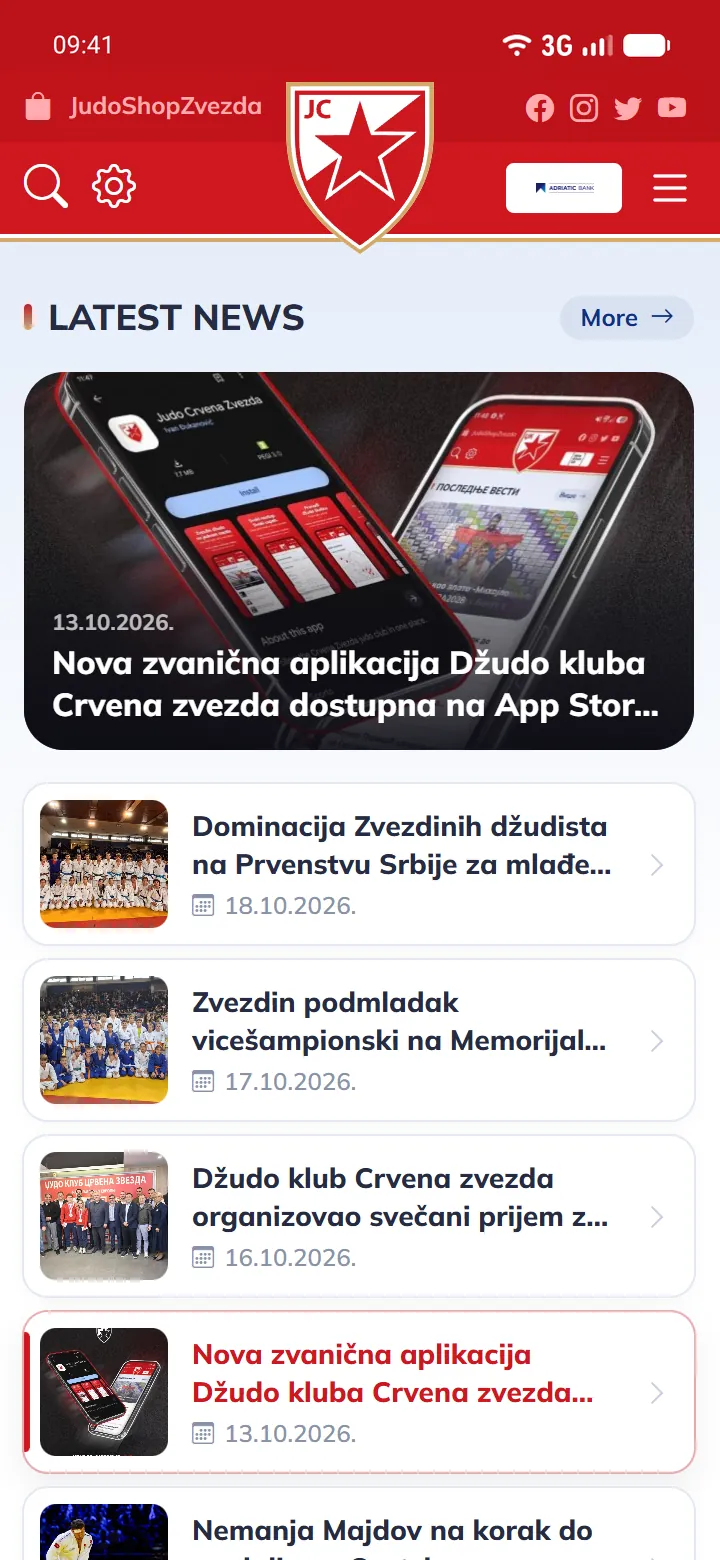
2 / 6 Every club story Competition reports, photographs and the successes of our judokas.
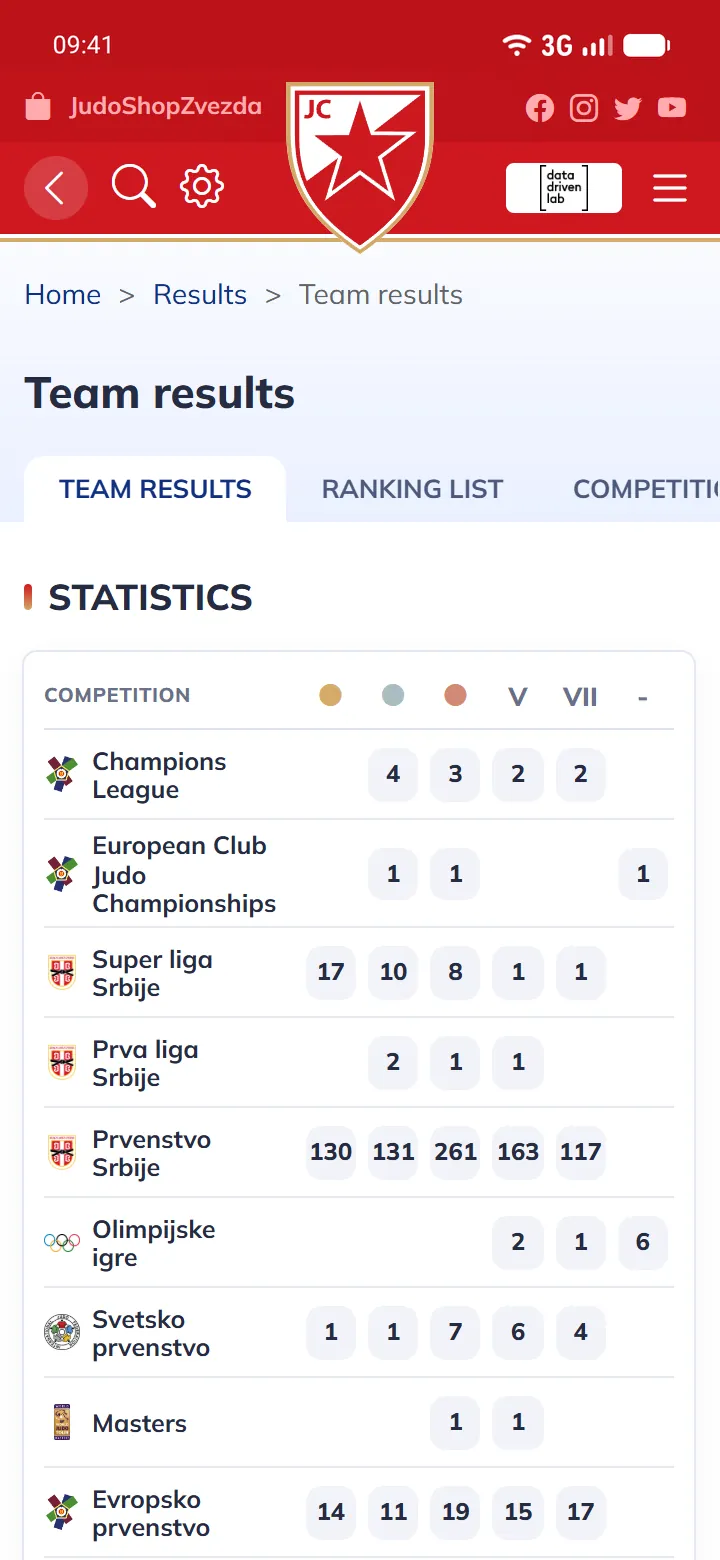
3 / 6 Results and rankings Red Star medals by competition and the Judo Federation of Serbia ranking.
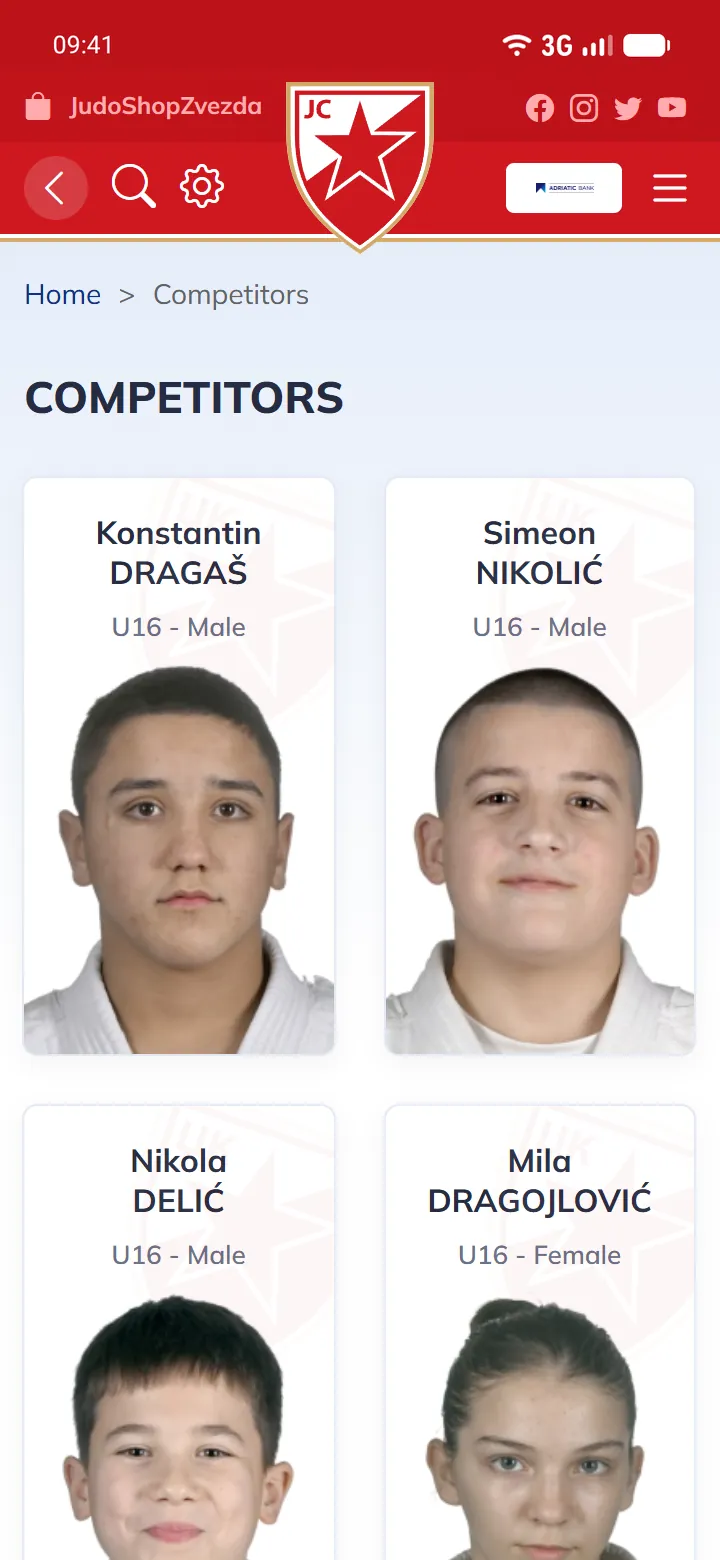
4 / 6 A profile for every competitor Results, fights and points, by age group and category.
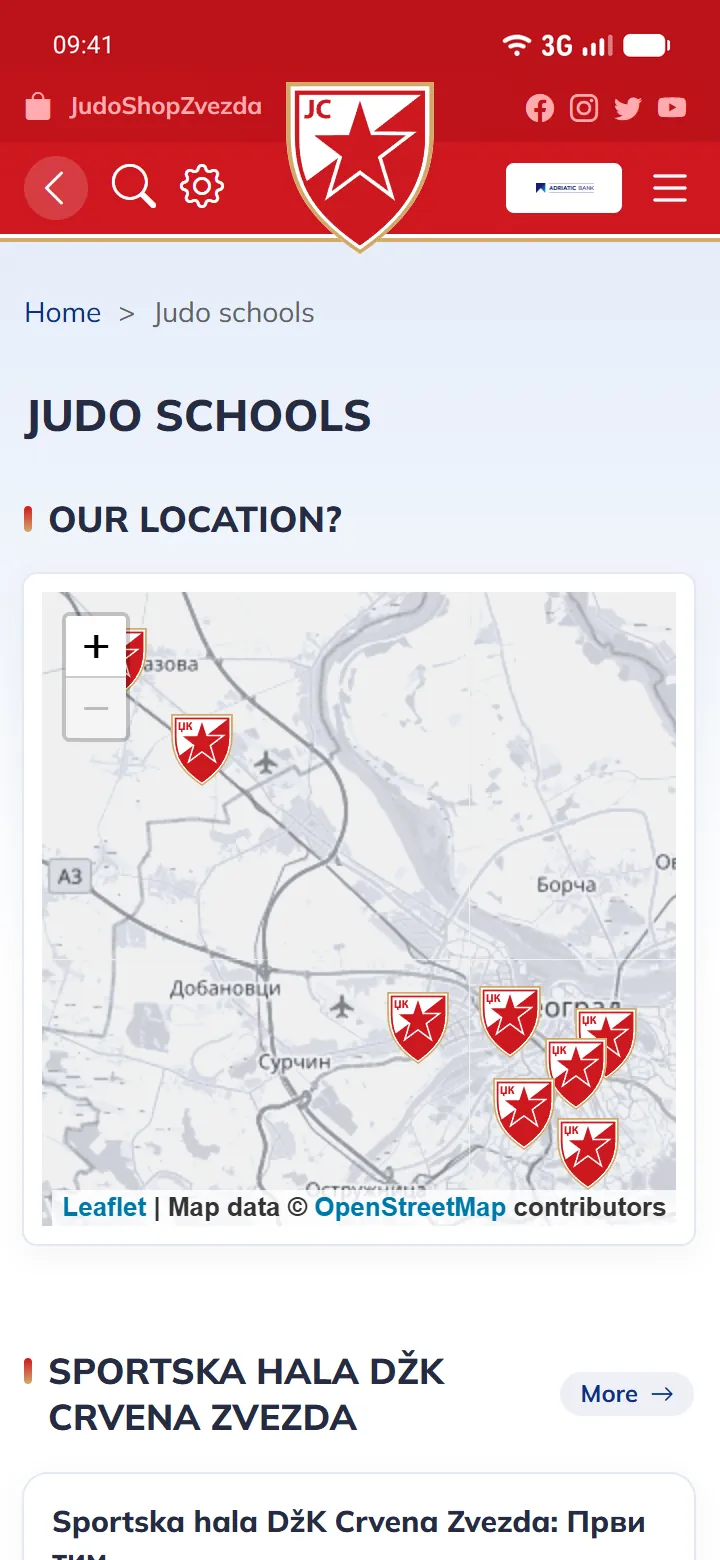
5 / 6 Judo schools Training times, coach contacts and a map of every location.
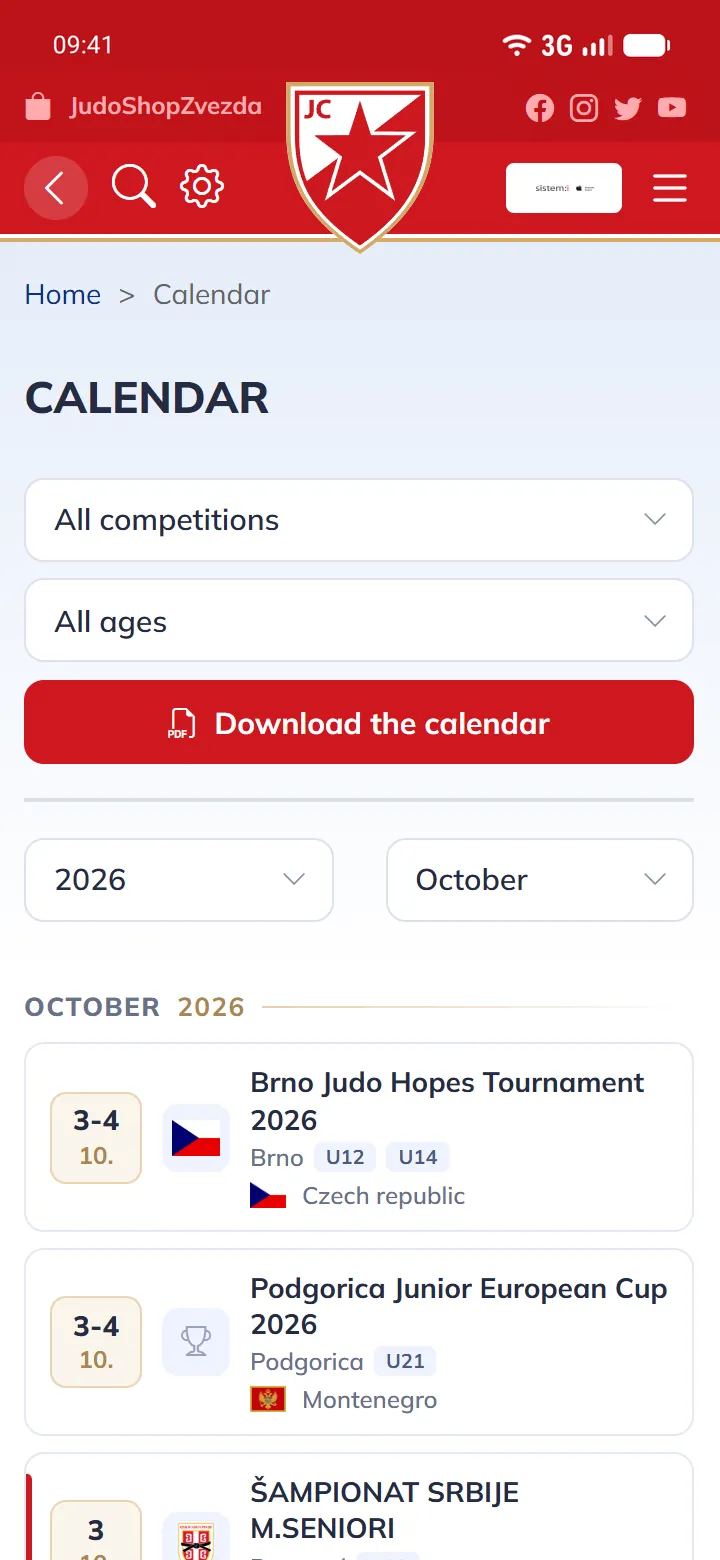
6 / 6 Competition calendar Domestic and international competitions, month by month.
1 / 6 A notification the moment news is out A new story arrives as a notification on your phone, and one tap opens it — you are always among the first to read it.
2 / 6 Every club story Competition reports, photographs and the successes of our judokas.
3 / 6 Results and rankings Red Star medals by competition and the Judo Federation of Serbia ranking.
4 / 6 A profile for every competitor Results, fights and points, by age group and category.
5 / 6 Judo schools Training times, coach contacts and a map of every location.
6 / 6 Competition calendar Domestic and international competitions, month by month.
Three steps to your first story 1 Download it Tap Google Play or the App Store and install the application.
2 Open it No registration, no sign-in — the application works straight away.
3 Allow notifications On first launch the phone asks whether to allow notifications. Tap "Allow" and every new story will arrive on its own.
Common questions Does it work without internet? No. The application shows content from the club website, so it needs an internet connection.
How do I turn notifications on? The first time you open the application, the phone will ask whether to allow notifications — tap "Allow". If they were declined by accident, turn them on in the application, under Settings. On iPhone they can also be enabled in the phone's settings, under Notifications → Judo Crvena Zvezda.
Which phone do I need? Android 7.0 or newer, or an iPhone with iOS 15 or newer.
Do I need an account? No. The application opens and works straight away, with no registration or sign-in.